Your SSH world,
without the guesswork.
A careful dashboard for known_hosts, ssh_config and every key pair beside them. Inspect, add, edit, remove — with backups and a real terminal built in.
macOS 12+ · Windows 10/11 x64 · Linux x64 · Latest release
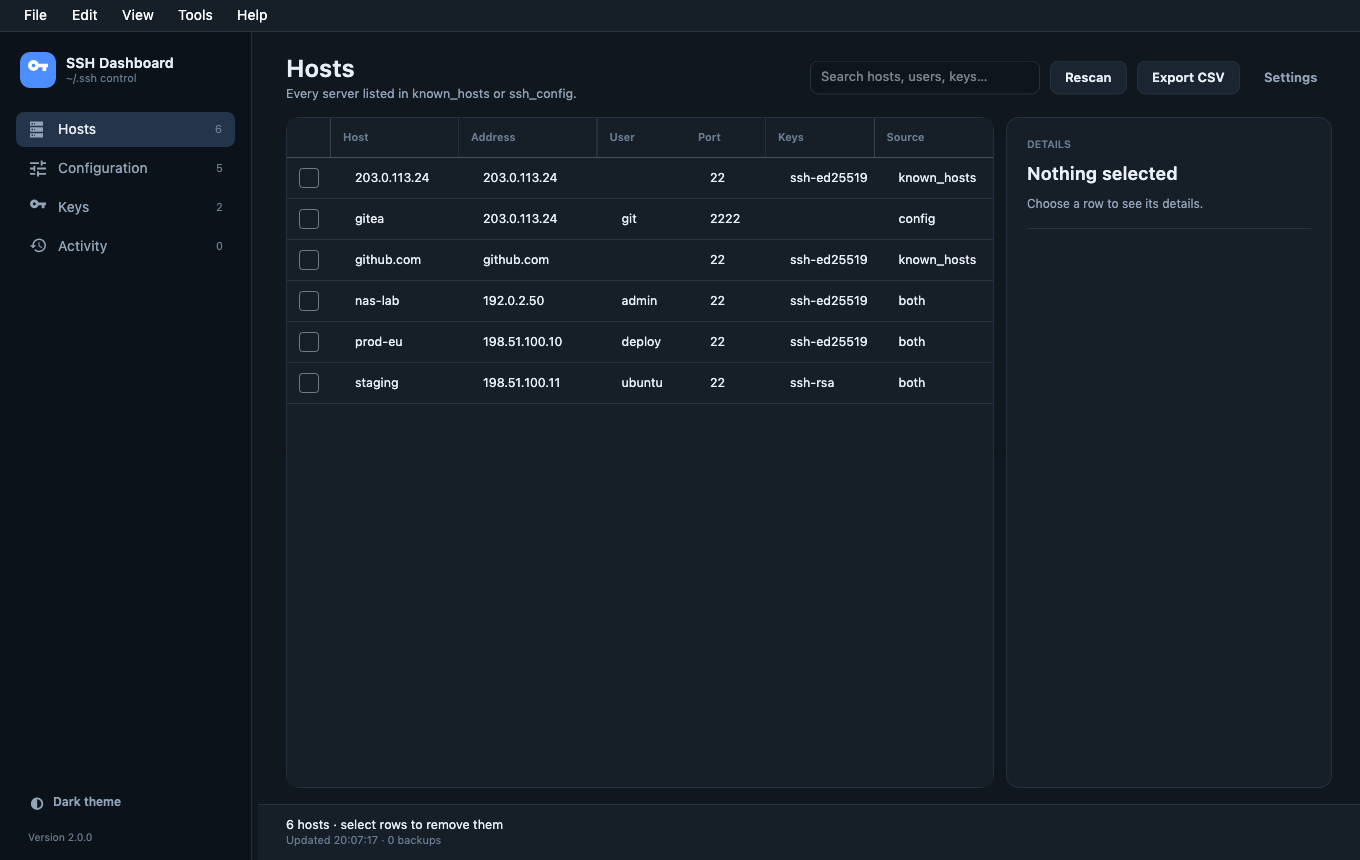
Everything in one clear view.
No more guessing which key belongs to which host, or which file a delete will touch.
Hosts that make sense
Merges known_hosts and ssh_config, including Include files and hashed entries. Address, user, port, key type and source in one table.
Add a Host block
Create a new ssh_config entry from the Configuration view, Tools menu or Cmd/Ctrl+N. Patterns, HostName, User, Port and IdentityFile — with a backup first.
A real terminal
SSH sessions run in a proper PTY inside the app. Resize the window and k9s, vim and htop follow. Copy, paste and mouse reporting work.
Keys, understood
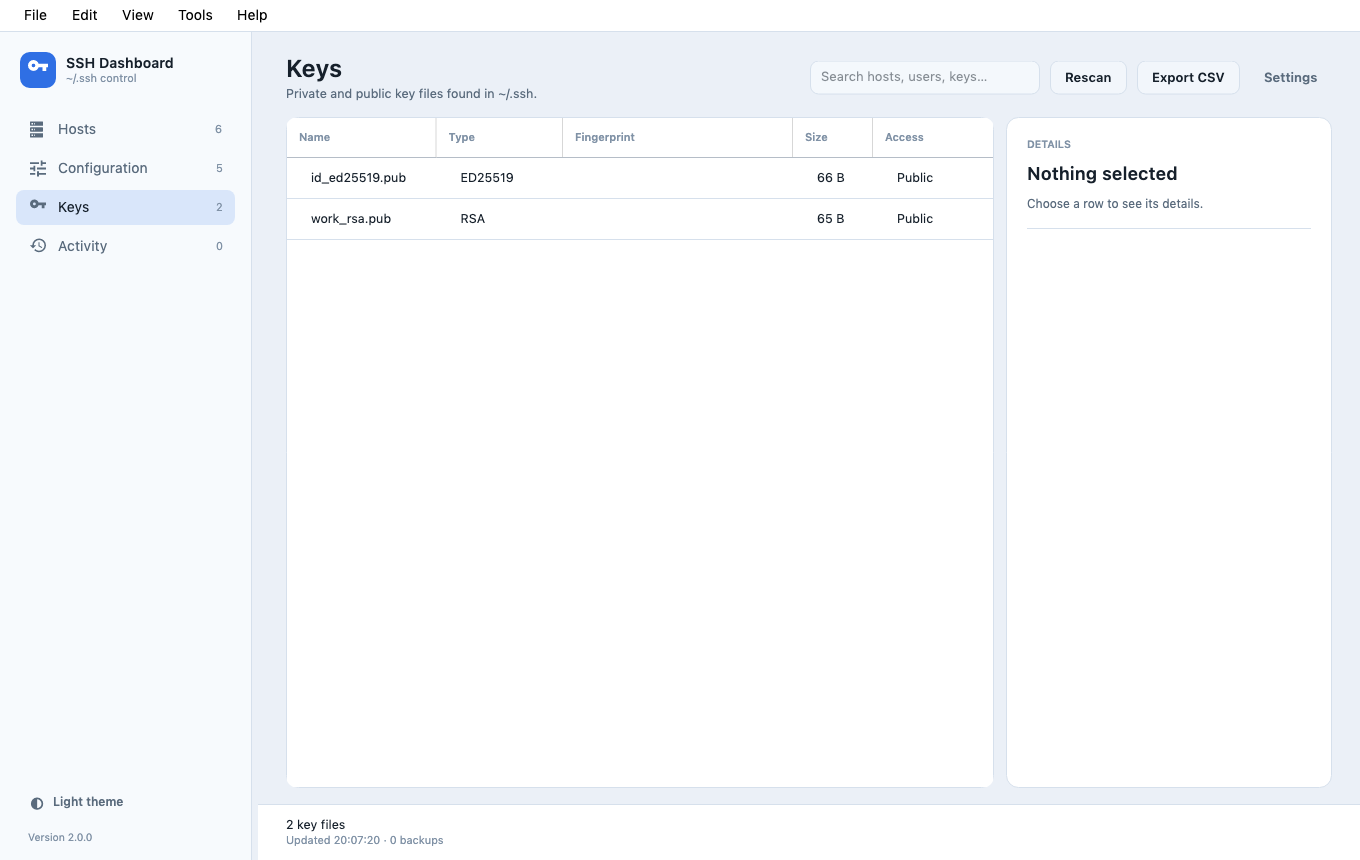
Private and public keys, SHA-256 fingerprints, permissions and PuTTY .ppk import — including passphrase-protected keys.
Backups and undo
Every write is preceded by a timestamped backup. Undo restores every file touched by the last action, not just one.
Made for the desktop
System, dark and light themes. Resizable sidebar, table and details rail. Native macOS menu, Windows installer and Linux build.
Activity you can audit
A local journal of every removal, edit, import, undo and restore. No cloud, no telemetry, no account.
Files in both directions
Open Files… in an SSH session and drag files or folders in, or use the native pickers. A live remote file browser with multi-select, hidden password prompt, progress, recursive copies, downloads straight to Downloads and a cleared source list.
Careful by default.
SSH Dashboard is a tool for files that matter. It writes only inside ~/.ssh, and only after taking a backup.
- Atomic replacement with original permissions preserved.
- Deletion re-reads the file and removes only entries that still match.
- Include files, Match blocks and
Host *are read-only. - An exclusive write lock prevents two writers from colliding.
- No telemetry, no credentials stored, no network account.
Download.
Self-contained builds. No .NET runtime, no package manager, no account.
shasum -a 256 <file> on macOS, sha256sum <file> on Linux, or certutil -hashfile <file> SHA256 on Windows.